Permissions for managing integrations
Which VineMerge roles can add, edit, or delete Filevine credentials — and how an org admin grants the right role.
Only certain roles in your VineMerge organization can add, edit, or delete Filevine credentials. This article explains which roles have those abilities, what each one can do, and how an org admin grants the right role to a teammate.
The three integration permissions
VineMerge gates credential management with three permissions on the integration resource:
integration:create— required to add a new credential with Add Integration.integration:update— required to Test Connection, toggle a credential between active and inactive, edit its label, or rotate its Client ID, Client Secret, and PAT.integration:delete— required to Delete a credential.
Out of the box, Owner and Admin roles have all four integration actions (create, read, update, delete). The default Member role has read only, which means members can see that credentials exist but cannot add, change, or remove them.
What users without the permission see
When a teammate lacks an integration permission, the corresponding action button is hidden or disabled in the Integrations page. There is no "request access" prompt and no Filevine-side approval queue — VineMerge simply doesn't expose those controls to the user.
If you can't find the Add Integration, Test Connection, Edit Credential, or Delete controls, ask your org admin to check your role.
Find out which role you have
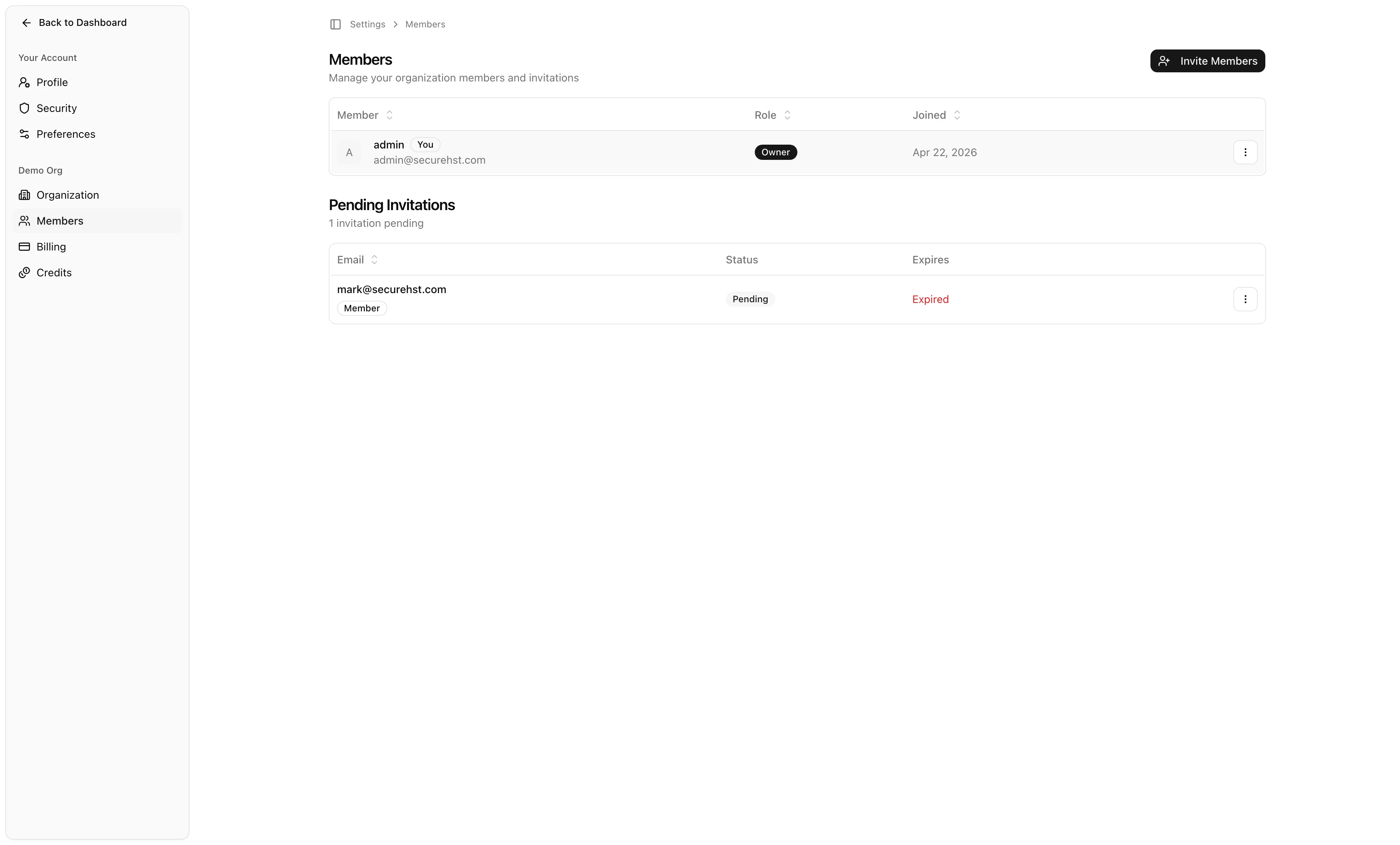
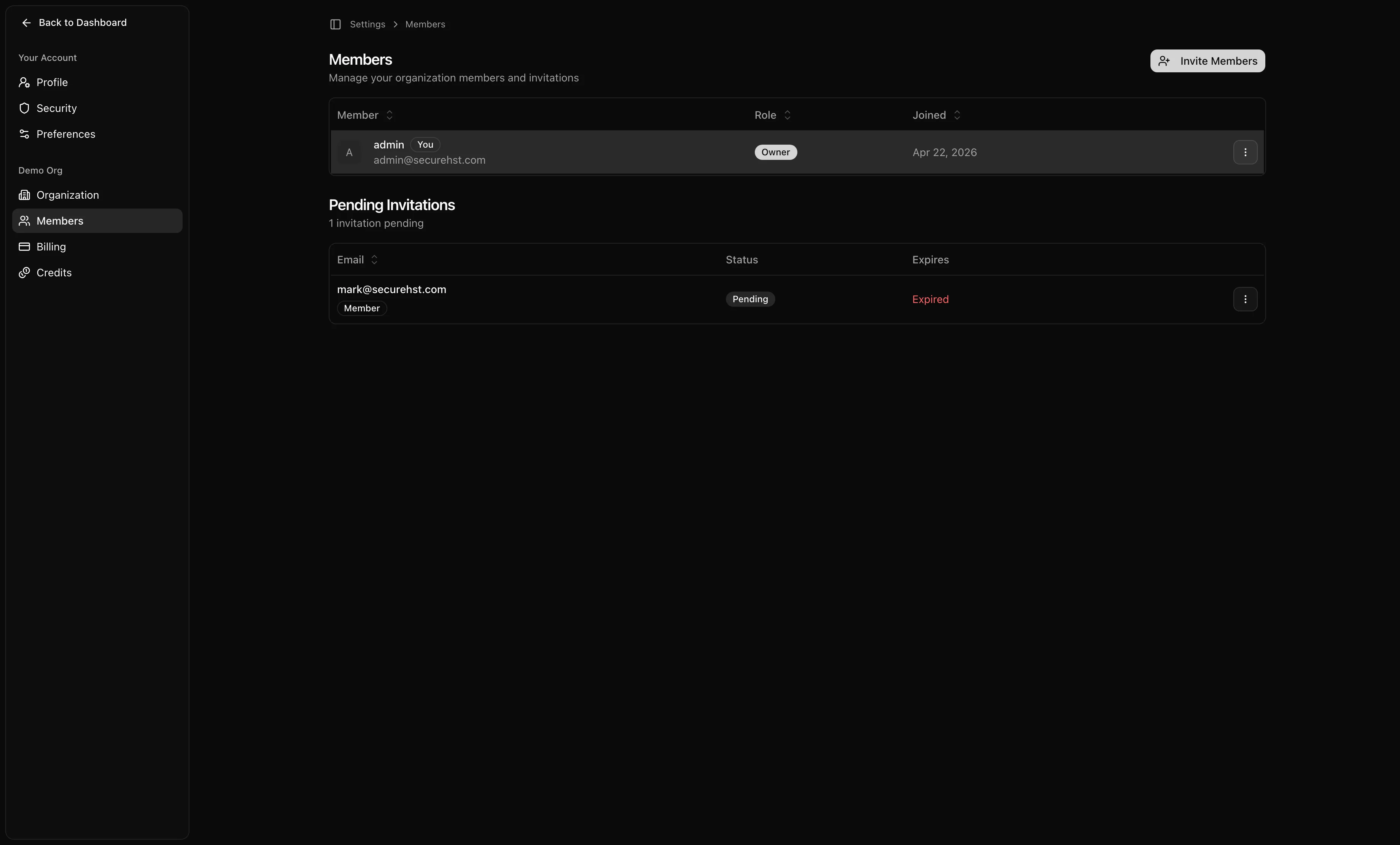
Open the account menu in the top-right corner and go to Organization Settings → Members. Your row in the members table shows your current role.
How an org admin grants a role
Only org Owners and Admins can change other members' roles.
- Open Organization Settings → Members.
- Find the member you want to update and open their row's actions menu.
- Choose the option to update their role and pick Admin (or another role with the integration permissions you've configured).
- Save the change. The teammate's permissions update immediately on their next page load.


A common two-tier setup
Many firms split credential management from credential use:
- One admin sets up the Filevine credential once. They need
integration:createandintegration:updateso they can add and test it. - Everyday team members run mass updates and broadcasts against that credential. They do not need any integration permission to use a credential inside a workflow —
readis enough. Workflow execution is controlled by the workflow's own permissions, not by the integration permission set.
This keeps the surface area for credential changes small while letting your wider team get work done.
Filevine-side permissions are separate
The Personal Access Token (PAT) you paste into VineMerge carries Filevine-side permissions. If your PAT is scoped to a subset of your firm's Filevine projects, that's a Filevine-side restriction — VineMerge will only be able to act on the projects the PAT can see, regardless of your VineMerge role.
For more on how that interacts with your workflows, see Choosing Filevine projects in workflows.
Next steps
- Back to the overview: Connecting Filevine
- Ready to add one? Add a Filevine credential