Understanding credits in 2 minutes
A plain-language primer on how VineMerge credits work.
Credits are the meter ticks for VineMerge — think of them like stamps you spend each time VineMerge does a piece of work on your behalf in Filevine.
What a credit is
A credit is the unit VineMerge uses to measure real work against your Filevine data. The rule of thumb is one unit of work = one credit.
- 1 row updated in a bulk update = 1 credit.
- 1 document broadcast to 1 Filevine project = 1 credit.
- Reads, previews, and audit views are free — you can look before you leap without burning credits.
Where credits come from
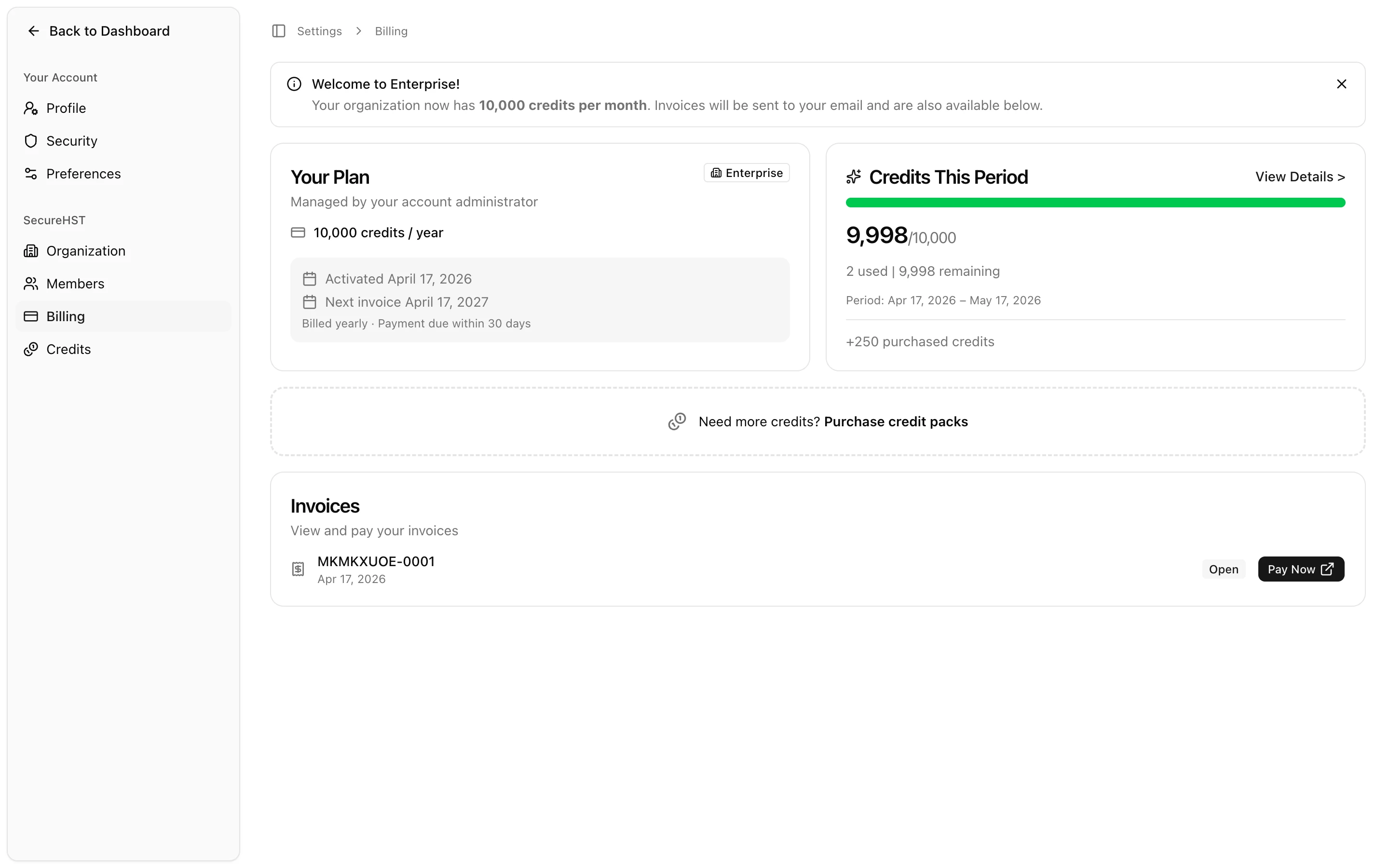
Your plan includes a monthly allowance that refreshes on your billing date. That allowance covers the typical month of bulk updates and broadcasts for your firm.
Heavier months can be covered by add-on credit packs — one-time purchases that stack on top of your allowance and don't expire when the billing cycle rolls over.
How to check your balance
Open the top-right menu and choose Credits. You'll see your remaining monthly balance, this-month usage, and any add-on packs you've purchased.

What happens if you run out
VineMerge pauses the operation rather than silently partial-failing, so you never end up with half a bulk update applied to Filevine. You'll see a prompt to either top up with an add-on pack or upgrade to a higher plan — then you can resume where you left off.
Want more detail?
For pricing by tier, usage history, and how to change plans, head to the full Credits & Billing category.
Need help with this topic right now? Contact support.